
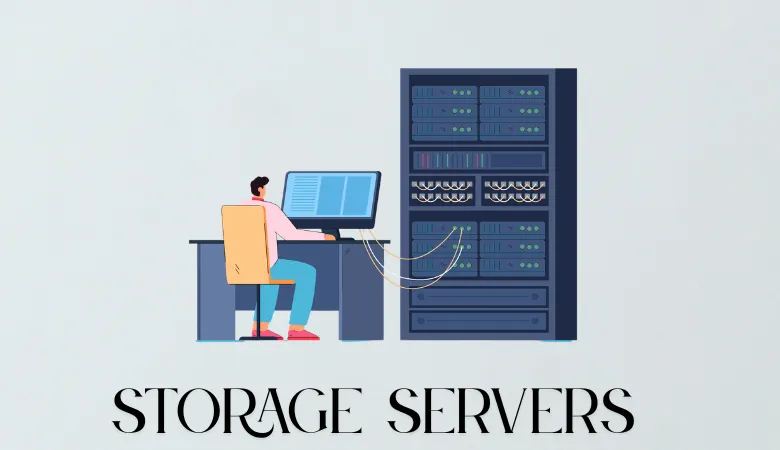
A storage server is a computer that stores, manages, and shares files across a network. In simple terms, storage servers give your users and apps one place to save data. They can use hard disk drives, solid state drives, or both. Today, storage servers are used by small offices, hosting companies, cloud platforms, and large businesses.
What Is a Storage Server?
A storage server combines normal server hardware with storage software. It may use local disks inside the server or connect to external disks. The server then gives storage space to other computers through a network.
You can use one server for file sharing, backups, media files, virtual machines, or application data. You can also join many servers to create a larger storage system.
Older storage systems often used special hardware. These systems could be costly to buy and manage. Modern systems often use standard server hardware and software. Such systems can reduce cost and make upgrades easier.
How Storage Servers Work
A storage server receives a request from a user, computer, or application. It checks access rights and then reads or writes the requested data. The data is saved on a local disk, a solid state drive, or a shared storage pool.
For example, when you open a file from an office network, your computer sends a request to the server. The server finds the file and sends it back to your computer. The same process occurs when an application saves new data.
Storage servers can use common network methods such as Server Message Block and Network File System. Server Message Block is common in Windows networks. The network file system is widely used by Linux and Unix systems.
A storage server can also provide block storage. In this model, a server presents storage to another system as if it were a local disk. This method is often used for databases, virtual machines, and hosting platforms.
Main Types of Storage Servers
File Storage Servers
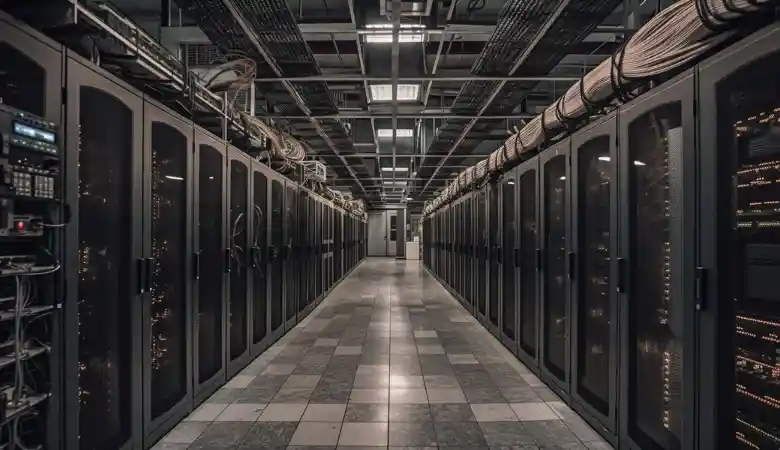
A file storage server stores files in folders. Users can open, edit, and share these files through a network. This design is easy to understand and works well for documents, images, videos, and team data.
Block Storage Servers
Block storage divides data into fixed blocks. An application can read and write these blocks as if they were part of a local drive. This type of storage is useful for databases and virtual machines because it offers direct access.
Object Storage Servers
Object storage keeps each item with its data, name, and other details. It is made for large amounts of unstructured data. Images, video files, backups, and logs are common examples.
Object storage can grow across many servers. It is often used by cloud platforms because it supports large data sets and simple access through an application interface.
Hyperconverged Systems
A hyperconverged system combines computing, memory, storage, and virtual machine software in one cluster. When you add another server, you can add more computing power and storage at the same time.
This model can reduce the number of separate systems in a data centre. However, you should check the cost, support model, and upgrade limits before you buy one.
What Are the Benefits of Storage Servers?
The main benefit is control. You can choose the hardware, disks, storage software, and network design. You can also replace one part without replacing the whole system.
Storage servers can lower costs when you use standard hardware. They can also make expansion easier. For example, you may start with two servers and add more servers as your data grows.
Solid state drives can improve response time. Hard disk drives can provide more capacity at a lower cost. Many companies use both. Fast drives hold active data, while larger drives hold backups and older files.
Storage servers can also improve data protection. You can create copies across different disks or servers. However, a copy is not the same as a complete backup. Your backup should be stored on a separate system and tested often.
Modern storage software can add features such as data compression, duplicate removal, snapshots, and replication. These features can save space and help you recover from mistakes.
Storage Server Performance
Performance depends on more than disk speed. The processor, memory, network, storage software, and workload all affect the result.
For example, a database may need fast response time and strong random read performance. A backup server may need high capacity and steady write speed. A video server may need fast network delivery for many users at once.
A 10 gigabit network can move data much faster than a 1 gigabit network. Yet your real speed may be lower because of disk limits, network traffic, or software settings. Therefore, test your complete system before making a final choice.
I always check four values when I review a storage design: input and output operations per second, data transfer speed, response time, and usable capacity. These values give a clearer view than a disk label alone.
Storage Server Security
Your server should use strong user access controls. Each person should receive only the access needed for their work. This reduces the risk of accidental changes and data theft.
Use encryption when sensitive data moves across the network. You should also encrypt data stored on the disks when the system and workload support it.
Keep the operating system and storage software updated. Remove unused accounts and services. Record access events so that unusual activity can be reviewed.
A firewall should limit access to trusted networks. If your server is exposed to the internet, place it behind suitable security controls. Public access should never be enabled without a clear reason.
Storage Servers and Backup Planning
A storage server is not a backup by itself. If the server fails, a fire damages the site, or ransomware encrypts the data, you may lose your main copy.
A useful plan keeps several copies of important data. One copy should be stored away from the main server. Another copy should use a different system or location. You should also keep at least one copy that cannot be changed by normal user accounts.
Test your recovery plan. A backup that cannot be restored is not a reliable backup. In my experience, recovery tests often find problems with missing files, old passwords, or slow storage before a real emergency occurs.
How to Choose a Storage Server
Start with your current data size and your expected growth. If you store 20 terabytes today and add 5 terabytes each year, you need room for growth, spare capacity, and protection copies.
Next, review your workload. File sharing, databases, virtual machines, backups, and video delivery all have different needs. The right server for one task may be poor for another.
Check the number of drive bays, network ports, memory slots, warranty terms, and support options. Also review how the system handles a failed drive. A reliable design should keep working while the failed part is replaced.
Do not judge a system by capacity alone. A cheap system may become expensive when you include support, power, software fees, and downtime.
HDD, SSD, or NVMe Storage?
Your storage drive should match your workload.
HDDs are useful when you need high capacity at a lower cost. They are often used for backups, archives, media files, and other data that does not need very fast access.
SSDs have no moving mechanical parts and normally provide much faster access than HDDs. They are useful for applications, virtual machines, databases, and workloads with frequent data access.
NVMe SSDs use the PCI Express interface and are designed for high speed storage access. They are useful when applications need high input and output performance and low latency.
In practice, many organizations use more than one storage type. Fast SSD or NVMe storage can be used for active workloads, while larger HDD storage can be used for backups and less frequently accessed data.