

Video generation AI has moved quickly from curiosity to genuine production tool, and Google Veo 3 is leading that shift. Whether you’re a content creator, marketer, or part of a production team, understanding what Veo 3 actually delivers — not just the headlines, but the practical day-to-day value — is worth your time. Here’s an honest, grounded look at the model, where it excels, where it falls short, and how it fits into a real creative workflow.
What Google Veo 3 Actually Does
Veo 3 is Google DeepMind’s third-generation video generation model, and it represents a meaningful quality leap over its predecessors. Earlier AI video tools produced footage with obvious tells: objects that phased through each other, hair that moved strangely, water that behaved more like plastic. Veo 3 has addressed most of those artifacts at a technical level, with noticeably stronger motion coherence, scene understanding, and consistent physics and lighting across frames.
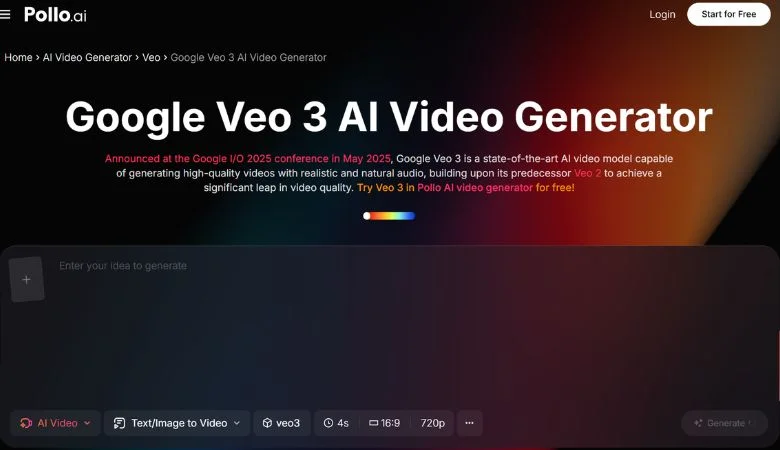
The Google Veo 3 model is accessible through Pollo AI, which puts this capability into a practical interface without requiring an enterprise API arrangement or access to internal Google tooling. Pollo AI supports text-to-video generation, image-to-video animation, and video-to-video style transfer — all at a quality level that would have required major studio resources just a year ago. For creators who want to incorporate frontier AI video into their workflow, this is one of the most practical entry points available right now.
Where Veo 3 Outperforms the Competition
The AI video space includes strong alternatives — Runway, Kling, Sora, Hailuo — and each has its strengths. Veo 3 differentiates itself in a few specific, meaningful ways.
Motion Quality and Physical Plausibility
Veo 3’s handling of complex motion is among the most realistic of any model currently available. Wind moving through trees, water dynamics, human walking cycles, and fabric movement all hold up in a way that competing models often don’t. This matters practically: motion is the area where AI video most visibly fails, and it’s where client approval is most at risk in professional settings.
Prompt Fidelity for Complex Scenes
When you describe multiple subjects, specific spatial arrangements, or precise lighting setups, Veo 3 is more likely to produce something that actually reflects what you asked for. Many models handle straightforward scenes reliably but break down when compositional complexity increases. Veo 3 handles that complexity better than most.
Temporal Consistency and Cinematic Output
Characters, objects, and lighting remain consistent across frames — a problem area for most earlier models and still a weakness in some current competitors. A subject who changes appearance mid-clip is one of the most obvious signs of AI-generated video; Veo 3 handles this considerably better. The default aesthetic also leans cinematic: natural color grading, appropriate depth of field, and realistic motion blur that makes the output more immediately usable without heavy post-processing.
When Animated Content Makes More Sense
Photorealism isn’t the right tool for every job. Training videos, product explainers, onboarding content, and e-learning series often benefit from a clearly animated visual style — one that signals to the viewer that the content is structured and intentional rather than documentary. The visual language of clean character animation tells an audience “this was made to teach you something,” which sets exactly the right expectations for corporate and educational contexts.
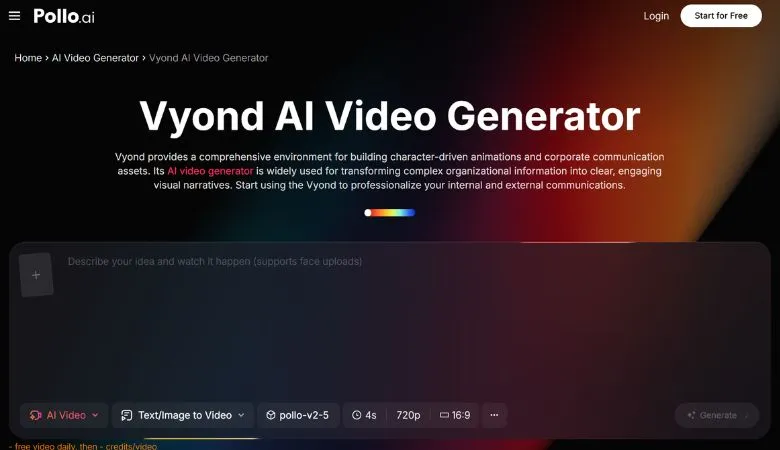
Vyond, available through Pollo AI, is built specifically for this. It’s a professional animation platform focused on character-based explainer and training video — the kind of polished, approachable style that works well for corporate communications, product demos, and structured e-learning. Using Veo 3 for cinematic or social media content alongside Vyond for educational or training material gives you practical coverage across the full range of video formats your work might require. Having both available through Pollo AI means you can match the right format to each piece of content without splitting your process across unrelated platforms.
Practical Use Cases Worth Knowing About
Brand storytelling. For brands that can’t fund traditional video production for every campaign, Veo 3 can generate high-quality footage that captures a specific mood, setting, or visual concept. B-roll for advertising, atmospheric footage for brand narratives, and concept visualization for client pitches are all strong candidates.
Social media content. Short AI-generated video has become increasingly normalized on Instagram, TikTok, and YouTube when the quality clears a credibility threshold. Veo 3’s output generally does clear that threshold, which makes it a viable production tool rather than a novelty.
Supplementing real footage. Many agencies and independent creators use AI video not to replace production but to fill gaps — extending a scene, generating connective footage, or replacing a shot that was impractical to capture on location. Veo 3’s realism makes this supplementary approach more seamless.
Thumbnail and preview frames. A well-generated video frame offers more visual control and interest than a standard still photo. Veo 3 lets you specify exactly what that frame should contain, which is useful for thumbnails, ad previews, and social card images.
The Honest Limitations
No AI video model is without constraints, and Veo 3 is no exception. Fine-grained control over specific details — a particular person’s appearance, an accurately rendered branded product, a specific real-world location — remains difficult. AI video works best when you’re generating atmosphere, motion, and visual feeling rather than trying to reproduce something precise that already exists.
Long-form coherence is also still a challenge. Veo 3 produces excellent short clips in the five-to-twenty-second range, but maintaining narrative and visual consistency across longer sequences still requires careful editorial direction, clip-by-clip generation, and deliberate continuity management.
The tools are advancing faster than most creators’ understanding of how to use them well. Those who invest time in learning Veo 3’s prompt behavior, testing its limits, and building workflows around its strengths — rather than waiting for the technology to be perfect — are the ones building a real capability advantage right now.